Display settings are focused on the layout of the giveaway, specifically, when using the landing page.
Here is the first set of options.
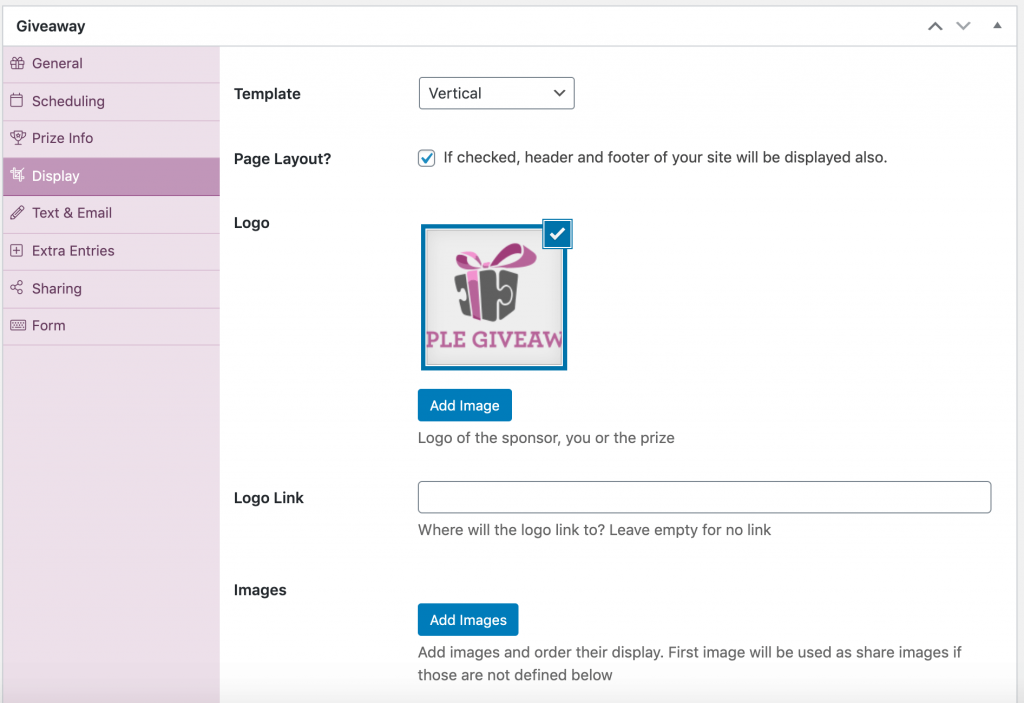
| Template | Premium Feature. Gives you different layouts. |
| Page Layout? | If checked, the landing page will use the header and footer of your site (if the theme is coded like that). It includes header.php and footer.php of your theme. |
| Logo | You can choose a logo to display on the landing page. |
| Logo Link | If entered, the logo image will be linked so people can check your main site (for example). |
| Images | You can select multiple images here to display on your giveaway. |
You can also decide how the background color and image would be. As well, there are options for images used when sharing on social media.
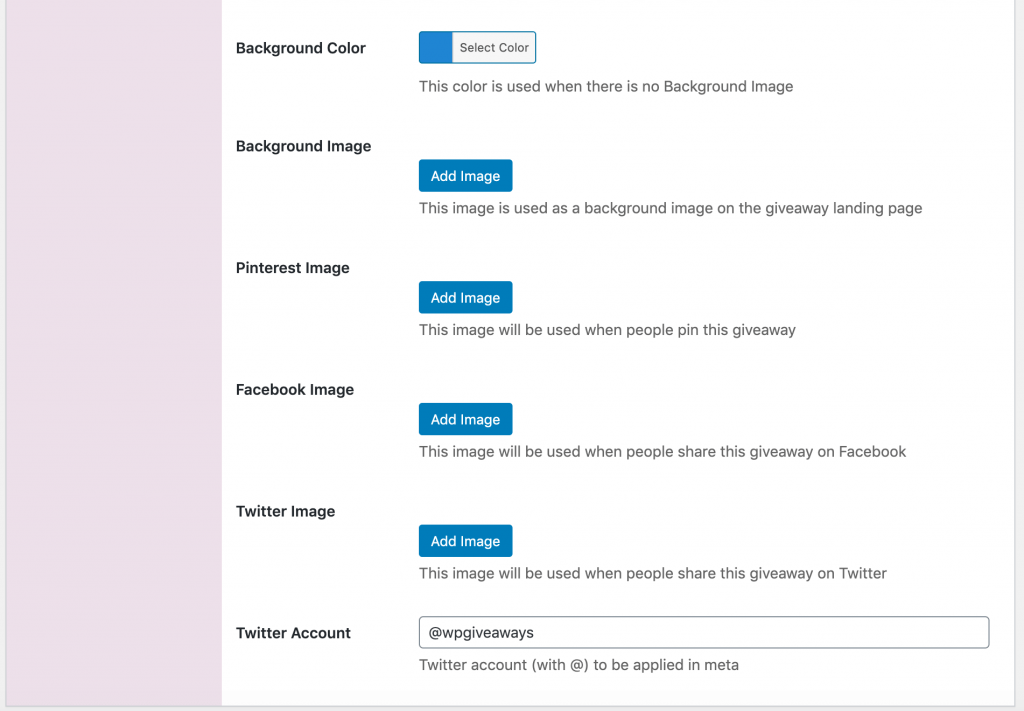
| Background color | Color of the background on the landing page. |
| Background image | Background image on the landing page. |
| Pinterest image | Image used for Pinterest when being shared on. |
| Facebook image | Image used when sharing on Facebook. |
| Twitter image | Image used when sharing on Twitter. |
| Twitter Account | This is the account that will be associated when sharing the giveaway on Twitter. |